


If you're searching for a comparison between fMusic by Forte AI and Bounce Factory, you're probably dealing with the same frustration most mixing engineers hit eventually. You're tired of spending hours on work that has nothing to do with actually mixing.
And that's the right question to ask. Because these two tools are not quite solving the same problem.
What Both Tools Have in Common
Both fMusic and Bounce Factory are built to reduce manual work inside Pro Tools. Both handle export automation. And both have earned real users in professional production environments.
But the scope of what each tool covers is very different. That difference matters more than most comparison articles let on.
Where Bounce Factory Starts vs Where fMusic Starts
Bounce Factory is focused on automating your bounce and export process. It gives you granular control over your export logic, and if you like building detailed, step-by-step bounce configurations, that level of customization can feel very satisfying.
fMusic starts earlier in the workflow. A lot earlier.
Before you ever get to bouncing, there is the session prep phase. Someone sends you a folder of audio files. Half of them are poorly named. The routing needs to be set up. Tracks need to be colored, categorized, and organized. Stereo files need to be checked against mono. Silence needs to be stripped.
Most engineers just accept this as part of the job. It is time-consuming, repetitive, and it requires zero creative skill.
fMusic automates this entire phase.
As Ricky Damian stated: "The amount of time spent preparing sessions and printing stems makes your life less productive and your time allocation less available to pure creativity and productive work." Ricky Damian is an Italian recording and mixing engineer living in London, Grammy-winner at only 22, known for his work with artists such as Mark Ronson, Jorja Smith, Sampha, Sam Smith, and Dua Lipa.
What fMusic Does During Import
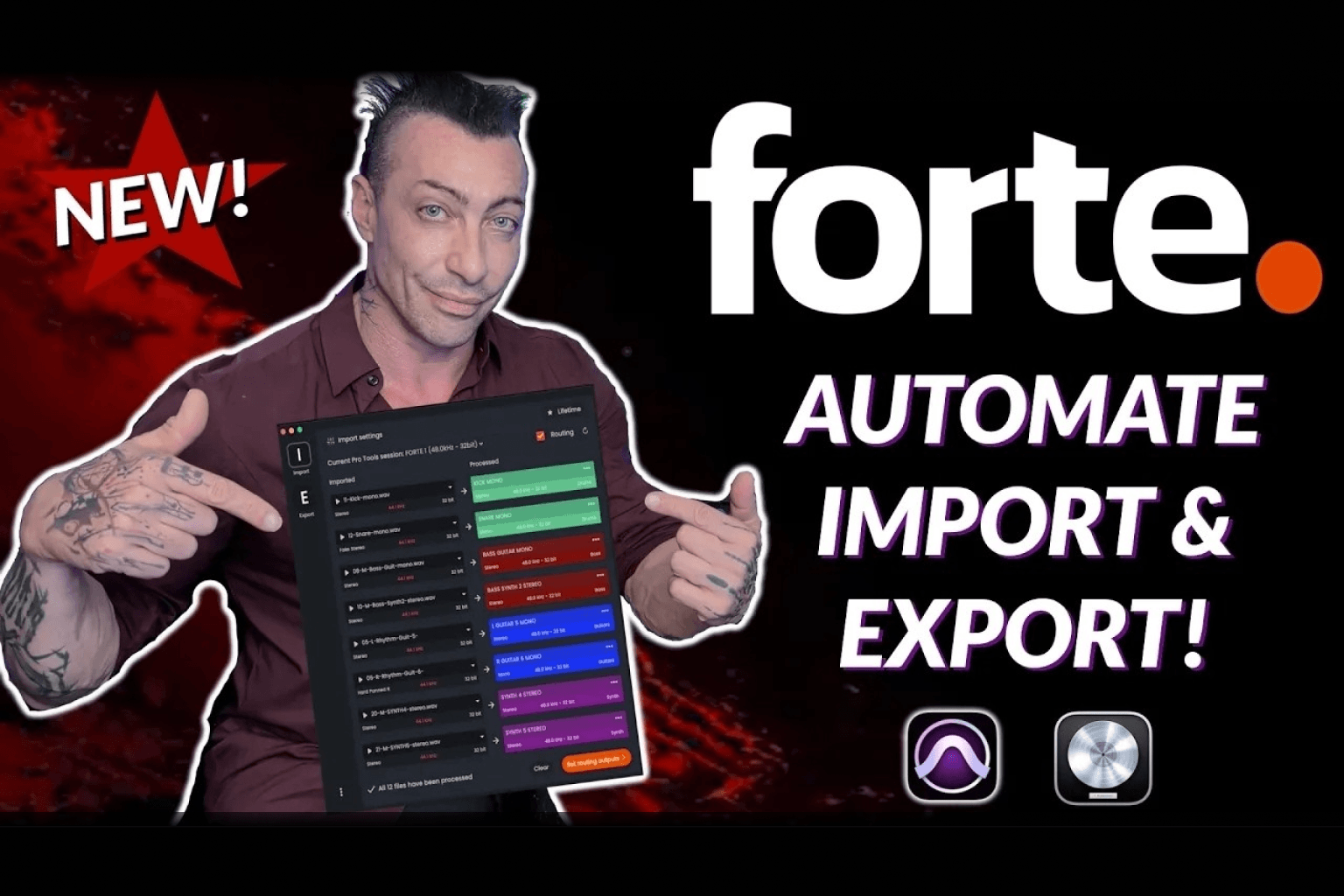
When you drop a folder of stems into a session, fMusic handles the following automatically:
- Instrument detection using AI-powered audio recognition
- Track categorization across drums, bass, guitars, synths, vocals, FX, and more. Even with custom instruments
- Color coding applied automatically
- Track renaming, clean and consistent
- Stereo to mono conversion where needed
- Strip silence
- Routing to the correct buses and folders based on your template
- Print track creation
What makes this different from a simple macro is the AI layer underneath. fMusic does not rely only on file names to figure out what a track is. The result is that you go from a messy folder of stems to a fully structured, mix-ready Pro Tools session in seconds rather than an hour.
As Ed Thorne explained: "With fMusic I can prepare multiple sessions across a range of mix templates in minutes, reducing my average preparation time from approximately 30 minutes per track to just 5. Background export means I can keep working on other critical tasks while sessions are being processed, which has noticeably improved overall workflow efficiency and studio productivity."
How the Export Side Compares
Once your session is prepped, at the end of your mixing session both tools can handle exports. But here the philosophy differs again.
Bounce Factory gives you deep configurability at every step of the bounce process. If you want to define exactly what happens at each stage of an export, it provides that control.
fMusic by Forte AI takes a simpler approach. You can prints your stems in two clicks. Instead of rebuilding an export system each time, it syncs directly with your existing mix template. Your routing folders and print tracks are already aligned. When you are ready to export, the structure is already there.
There is also a workflow detail that engineers who have used fMusic tend to mention a lot. You never have to leave Pro Tools. While fMusic runs in the background, you can trigger print creation using keyboard shortcuts directly from inside your DAW. CMD + OPT + C creates grouped prints. CMD + OPT + V creates individual prints. No switching windows, no context breaks.
For people who care about staying in flow during a session, that matters.
As Sean Jones stated: "With Forte, I can set up the full stem list once, hit go, and walk away. Instead of manually triggering every bounce, Forte runs the whole export process for me, start to finish. On a typical 80+ stem deliverable, Forte cuts my hands-on stem export work down to about 5 to 10 minutes of setup, instead of being locked in the room managing exports for an hour or more. That’s roughly an 80 to 90% reduction in manual labor for stem printing, and it removes the need to schedule an assistant just to get deliverables out." Sean Jones is an American mixing engineer based in Los Angeles, known for his work with artists such as Julia Michaels, Timbaland, J Balvin, Alessia Cara, Miguel.
Multi-Session Batch Processing
High-volume work requires reliable batch automation. fMusic handles multi-session flows across both import and export. The system is built to keep running even when alerts or unexpected scenarios appear inside Pro Tools, which is important when you are processing large batches without supervision.
Bounce Factory handles complex export configurations but its core design is focused on the bounce logic itself rather than managing the full lifecycle of multiple sessions from start to finish.
As Oli Jacobs stated: "With fMusic I can print multiple stem sets without errors — and keep working while they bounce". Oli Jacobs is a British recording and mixing engineer living in Los Angeles, 11x nominated, 4x Grammy Award winner, known for his work with artists such as Taylor Swift, Kendrick Lamar, Doja Cat, and Harry Styles.
DAW Compatibility
This is another area where the two tools differ.
Bounce Factory is designed for Pro Tools.
fMusic by Forte AI works with both Pro Tools and Logic Pro. You can choose a plan dedicated to one DAW or a plan that covers both. So if you split your time between Pro Tools and Logic, you can run the same workflow automation in both environments.
Pricing and Licensing
At a comparable price point, the scope of what you get with each tool is quite different.
Bounce Factory covers export automation.
fMusic covers import preparation, AI track organization, routing alignment, template sync, export automation, and multi-session flow. If you work in Logic Pro as well, that is also included depending on your plan.
fMusic also offers a perpetual license option alongside its subscription plans. For engineers who prefer a one-time investment over recurring payments, that is worth noting.
When Bounce Factory Makes More Sense
There are real situations where Bounce Factory is the better fit.
If you enjoy building granular, highly customized export logic and want control over every micro-step of the bounce process, Bounce Factory was built for that. It is also associated with Andrew Scheps, which carries weight in the production world.
If exporting is your only bottleneck and your sessions come in already organized, a focused export tool might be exactly what you need.
When Engineers Choose fMusic by Forte AI
fMusic tends to be the choice for engineers who want to eliminate friction across the whole session, not just the end of it.
It fits best when you regularly receive disorganized sessions from clients or collaborators, when consistent routing and template alignment across every project matters to you, and when you want both prep and export handled in one tool rather than two.
The underlying logic is straightforward. If your time is disappearing during session prep, fixing only the export stage does not solve the problem.
As João Bruno Soeiro stated: "Forte really streamlined our post-production workflow. With just a few clicks, our engineers can now prep sessions in a fraction of the time - what used to take 20+ minutes can now take under 5. Most of what is session prep is now done via Forte, with all its automated workflows organizing tracks and files in a heartbeat. That’s helped us improve session efficiency, reduce human error and free up our engineering team's time and brainpower to focus on more complex, valuable and enjoyable tasks - like actual editing and mixing. The consistency Forte brings has helped us maintain a higher quality standard across our audio post services - and that means happier engineers and happier clients." João is Head of Music for Musiversal, Lisbon-based music technology startup that connects music creators with professional session musicians for live, remote recording sessions.
The Core Difference in One Sentence
Bounce Factory optimizes the bounce step. fMusic optimizes the workflow around it.
Both are legitimate tools. The right one depends entirely on where your time is actually going.
Frequently Asked Questions
Is fMusic a direct alternative to Bounce Factory?
It includes export automation and adds AI-powered mix preparation on top. Whether it is an alternative depends on your workflow. If you only need export automation, both tools are comparable. If you need session prep automation as well, fMusic covers more ground.
Does fMusic work with Logic Pro?
Yes. You can choose a Pro Tools-only plan, a Logic-only plan, or a multi-DAW plan.
Does fMusic automate Pro Tools session organization?
Yes. It handles routing, renaming, color coding, track categorization, stereo to mono conversion, strip silence, and template alignment automatically during import.
Does fMusic offer a perpetual license?
Yes, alongside its subscription options.
Does Bounce Factory include session prep automation?
No. It focuses on export and bounce automation.