We're proud to share an important milestone for Forte AI. fMusic by Forte AI is now available on Avid Link, marking the beginning of a direct collaboration with Avid and a deeper integration inside the Pro Tools ecosystem. This partnership is not just about distribution. It represents a shared vision: helping producers and mixing engineers spend less time on repetitive technical tasks and more time on creative decisions.
Why This Partnership Matters
For decades, Pro Tools has been the professional standard for music production and post-production.
As sessions grow larger and deadlines tighter, workflow efficiency becomes critical. Engineers today are not just mixing, they are managing complex session structures, large track counts, routing systems, print stems, versioning, and deliverables.
That is where automation becomes essential.
By teaming up with Avid and becoming available on Avid Link, fMusic officially joins the Pro Tools ecosystem as a workflow automation layer built specifically for modern production environments.
This partnership brings three major benefits to Pro Tools users:
- Direct discovery and installation inside Avid Link
- Official ecosystem visibility
- A streamlined path to integrating AI-powered workflow automation into Pro Tools
It lowers the barrier to entry for engineers who want to modernize their workflow without adding complexity.
Chris Winsor, Director of Product Management for Pro Tools at Avid, noted that importing, prepping sessions, and bouncing out the various deliverables is always time-consuming, and described Forte's ability to automate those processes as remarkable, adding that the import and export tools can save Pro Tools users hours while the free Forte for Pro Tools offering lets every customer explore these workflows for themselves.
This reflects a shared vision between Avid and Forte AI: reducing repetitive session work to protect creative focus.
What fMusic Brings to Pro Tools
fMusic is designed to automate two key phases of the production lifecycle:
- Session preparation (import automation)
- Stem creation and export automation
AI-Powered Session Preparation
Before mixing even starts, most sessions require manual organization: renaming tracks, color coding, routing, stereo-to-mono adjustments, silence cleanup, template alignment.
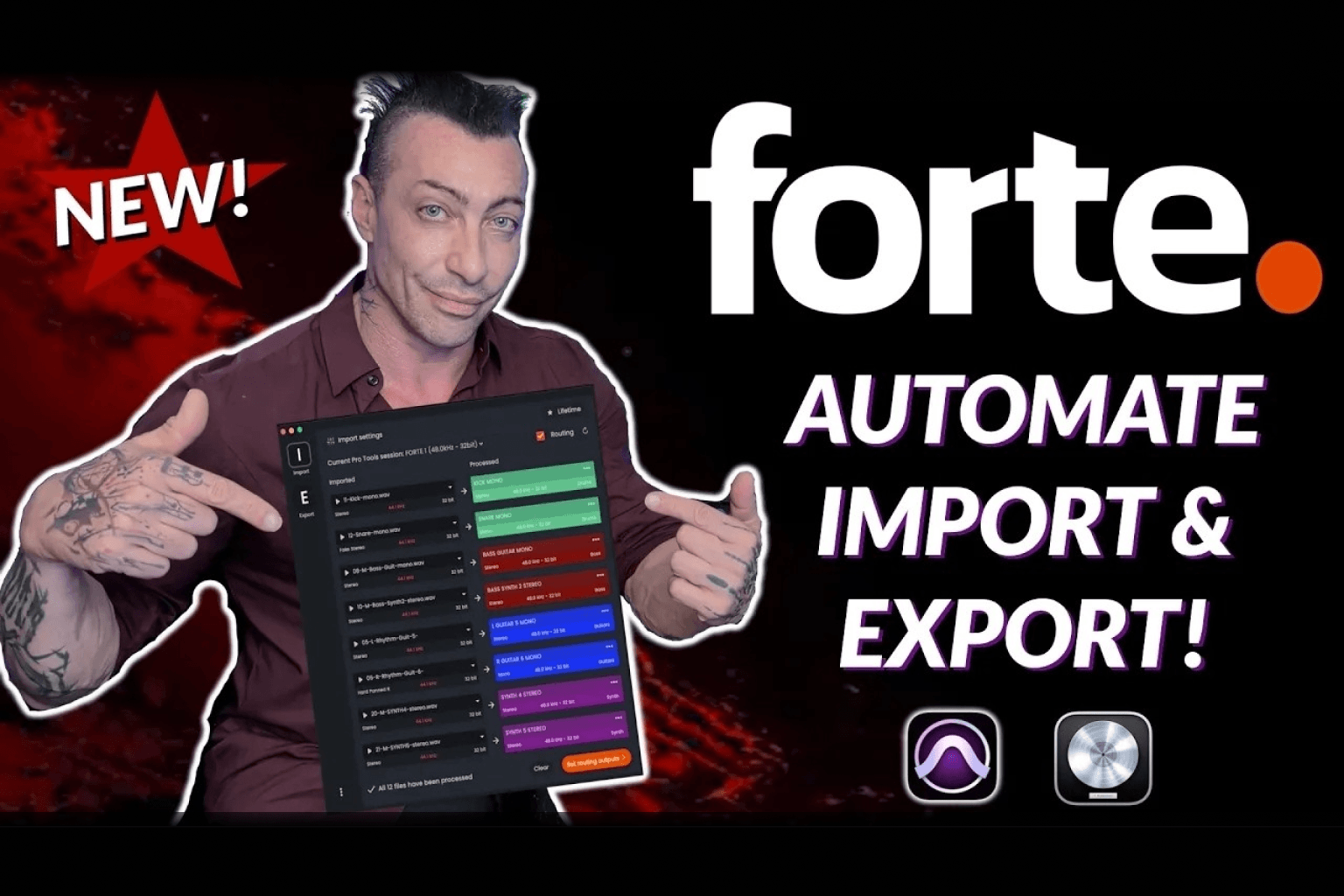
fMusic uses AI-powered audio recognition and intelligent routing logic to automate this process.
With a single flow, it can:
- Detect instruments automatically
- Categorize tracks (Drums, Bass, Synth, Vocals, FX, etc.)
- Apply consistent naming conventions
- Color-code sessions
- Align routing folders with your template
- Prepare print tracks instantly
What used to take 20 to 40 minutes can now happen in seconds. For Pro Tools users managing multiple sessions per week, that time savings compounds quickly.
Export Automation That Stays Inside Your DAW
When it is time to create stems or deliverables, fMusic syncs directly with your Pro Tools template. Your routing and print tracks are aligned automatically.
You can create prints using simple shortcuts:
- CMD + OPT + C for grouped prints
- CMD + OPT + V for individual prints
As long as fMusic is open, you stay entirely inside Pro Tools. No switching apps. No rebuilding export logic. No complicated step chains.
The result is a more fluid workflow that keeps engineers focused on sound, not session mechanics.
A Free Version for Pro Tools Users
As part of this ecosystem integration, Pro Tools users can access a free version of fMusic through Avid Link.
Unlike typical limited demos, this version offers meaningful functionality, allowing engineers to:
- Test automation inside real sessions
- Evaluate template integration
- Experience the workflow improvements firsthand
More information about the Avid integration can be found at avid.com/resource-center/forte.
This approach reflects our philosophy: workflow tools should prove their value in real use, not behind heavy paywalls.
A Shared Vision for the Future of Workflow
The collaboration between Forte AI and Avid reflects a broader evolution in professional production. Music creation is increasingly fast-paced and technically demanding. The complexity of sessions continues to grow.
Automation is no longer optional. It is infrastructure.
By making fMusic available directly inside the Pro Tools ecosystem, we are helping engineers reduce friction, improve consistency, and protect creative focus. This partnership is just the beginning.
If you are a Pro Tools user, you can explore fMusic today through Avid Link and experience how AI-powered workflow automation can transform your daily production process.
Frequently Asked Questions
What is fMusic for Pro Tools?
fMusic by Forte AI is a modular workflow automation ecosystem for Pro Tools that streamlines both session preparation and mix exports. It includes two core automation layers, import automation (session prep) and export automation (mix printing and deliverables), which together eliminate repetitive manual tasks across the entire production lifecycle, from receiving raw stems to delivering final mix versions.
What does fMusic automate during session preparation?
Inside Pro Tools, fMusic can automate key mix prep tasks such as track naming and intelligent renaming, automatic color coding, routing alignment with your template, fake stereo-to-mono conversion, AI-powered instrument recognition, custom preset creation, and template-based session organization. It works with your existing Pro Tools template and allows custom presets for consistent results across projects.
What does fMusic automate during export?
fMusic speeds up the bounce process inside Pro Tools. In a few clicks, or via shortcut, you can print multiple mix versions (TV Mix, Instrumental, A Cappella, etc.), full stem packages, and custom deliverable sets. Grouped prints use CMD + OPT + C and individual prints use CMD + OPT + V, removing repetitive manual routing and export steps.
Is there a free version of fMusic for Pro Tools users?
Yes. As part of the partnership with Avid, Pro Tools customers with an active subscription or a perpetual upgrade plan receive an enhanced free version of fMusic through Avid Link. This free version includes import automation for up to 16 tracks per session, the ability to print 2 mix versions per session, and unlimited sessions.
Who can access fMusic through Avid?
fMusic for Pro Tools is available to customers who have an active Pro Tools subscription or perpetual upgrade plan, are running Pro Tools version 2023.12 or later, have Pro Tools set to English, and are using macOS 11 or newer. The installer can be downloaded from the Avid Account or directly via Avid Link.
Does fMusic replace Pro Tools?
No. fMusic extends Pro Tools. It operates as a workflow automation layer that reduces manual session prep and export overhead, while leaving your creative process entirely intact.
Can I use my own Pro Tools template with fMusic?
Yes. fMusic is designed to work with your own Pro Tools templates. You can sync routing folders, print tracks, and create custom presets that match your studio workflow, ensuring consistency across projects without rebuilding session logic each time.
Is fMusic only for large studios?
No. fMusic is useful for independent producers, mixing engineers, professional studios, and high-volume production environments. If you regularly prepare sessions and deliver multiple mix versions, workflow automation creates measurable time savings regardless of studio size.
.png)