Session prep is one of those tasks that every engineer knows takes too long. Routing tracks, organizing folders, stripping silence, colour coding. None of it is difficult. All of it takes time. And it is time that comes directly out of the hours available for actual mixing.
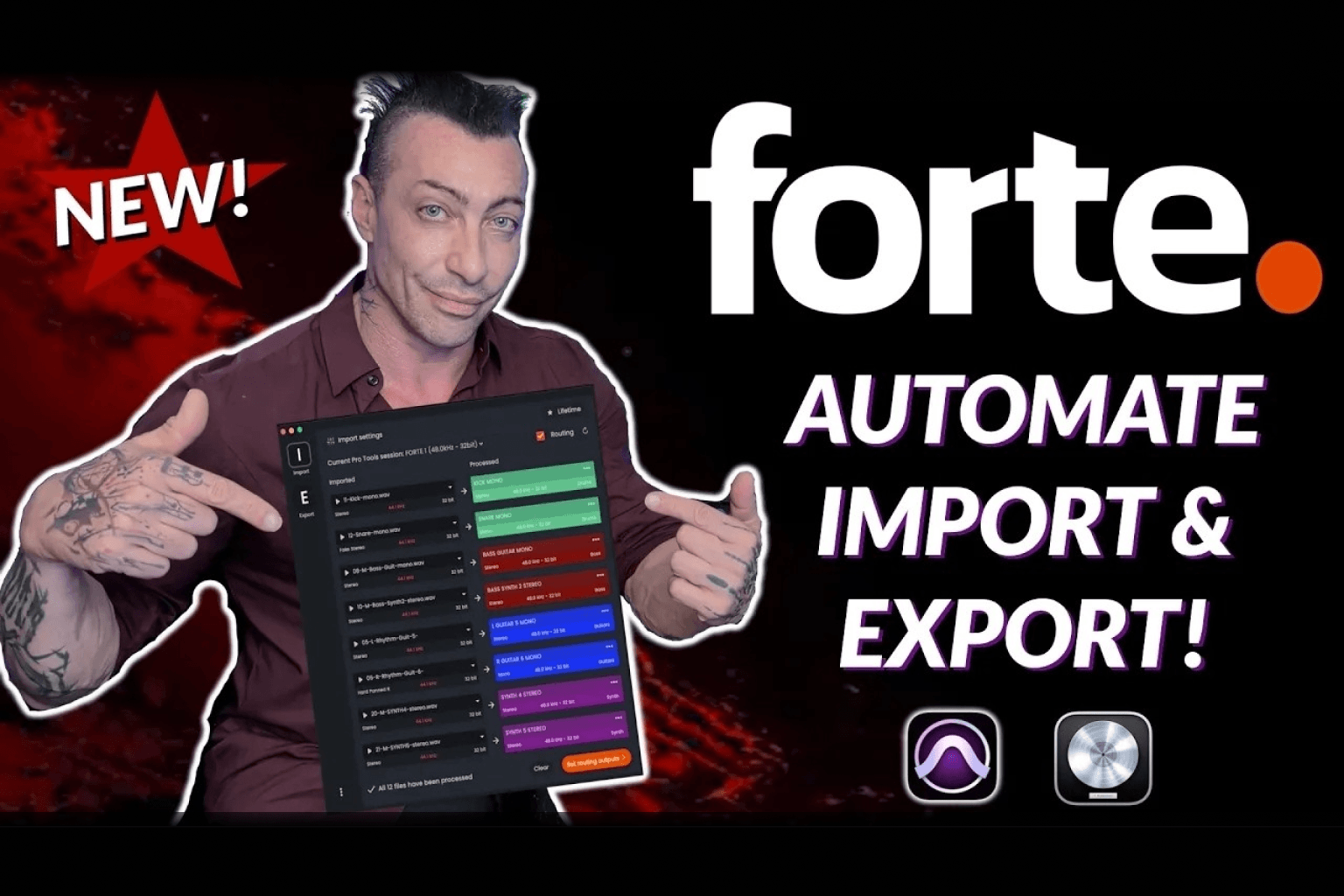
Wayne.wav, a music producer, engineer, and educator with a following built on practical, no-nonsense workflow content, recently put Forte AI through its paces. He tested it on a 68-track session and watched it handle organization, routing, and silence stripping in minutes.
His reaction was direct: he called it a genuinely clutch tool that was going to save everyone a lot of time.
What Wayne.wav Tested
Wayne.wav ran Forte on a 68-track Pro Tools session, which is a realistic size for a full production. Not a demo with a handful of tracks. A real session with the kind of scale where manual prep starts to feel genuinely painful.
Across that session, Forte handled:
- Track organization and categorization
- Routing tracks to the correct buses
- Silence stripping
A process that, as he notes, normally takes experienced engineers considerably longer was done in minutes.
In His Own Words
Wayne.wav did not hedge his assessment. He described fMusic as exactly the kind of AI tool he had been looking for: one that takes the grunt work off your plate, so that instead of spending an hour arranging and organizing a session, it arrives already done.
That last point is worth sitting with. An hour of organizing, gone. Not reduced. Gone. That is not a marginal efficiency gain. For engineers doing this across multiple sessions a week, it compounds quickly.
What Forte Is Doing in That Time
For context on what is happening inside Forte during a session prep run, here is what the software handles automatically:
Track organization and routing:
Forte uses a combination of file name analysis and AI audio detection to identify what each file is and route it to the correct bus in your template. Kicks to the kicks bus, vocals to the vocals bus, synths to the synth bus. It maps to your existing routing structure, so you are not rebuilding your template around the tool.
Silence stripping:
Forte cuts silent regions out of audio files automatically. On a 68-track session, that alone removes a significant amount of manual work, and it makes session navigation considerably faster once you are in the mix.
Colour coding:
Tracks arrive colour coded consistently, matching however you have set up your categories inside Forte.
Stereo to mono conversion:
Where files have been printed stereo unnecessarily, Forte can convert them to mono automatically on import.
Sample rate conversion:
If delivered files are at a different sample rate than your session, Forte handles the conversion so you are not dealing with mismatched files manually.
All of this runs while you stay inside your DAW. Forte sits in the background and works through the session without requiring you to manage the process step by step.
Why This Matters for Engineers at Any Level
Wayne.wav makes a point in his review that speaks to something broader than just time saving. He describes Forte as the kind of AI tool he has been looking for: one that handles the repetitive, low-value parts of the job without touching the parts that require judgment.
Organization, routing, and silence stripping are rules-based tasks. They have correct answers. There is no creative decision involved in placing a snare track in the snare bus. Forte handles those tasks. The engineer handles everything else.
For educators like Wayne.wav who work with producers at various stages of their career, that distinction matters. Beginners spend disproportionate time on setup because they are learning the structure while also doing the work. Forte compresses that stage significantly. Experienced engineers recover hours that currently disappear into tasks that could be automated.
Frequently Asked Questions
Who is Wayne.wav?
Wayne.wav is a music producer, mixing engineer, and educator known for practical workflow and production content. He tested Forte AI on a real 68-track session in Pro Tools.
What session size did Wayne.wav test Forte on?
A 68-track Pro Tools session covering organization, routing, and silence stripping.
How long does session prep take manually versus with Forte?
Wayne.wav describes the manual process as taking roughly an hour for the kind of session prep Forte handled in minutes. This matches what other engineers who have reviewed Forte have reported.
Does Forte work on sessions of any size?
Forte processes sessions track by track through its import module. Larger sessions take proportionally longer to run, but the time saving relative to manual prep scales with session size.
Which DAWs does Forte support?
Forte currently supports Pro Tools and Logic Pro. Both are available as single-DAW plans or as a combined plan.
Is there a free version of Forte?
Yes. A 7-day free trial is available at forte-ai.com. There is also a free tier available for Pro Tools users through Avid Link.
Try Forte
If you are spending an hour on session prep that should take five minutes, Forte is built specifically to fix that. The 7-day free trial gives you full access to test it on your own sessions at forte-ai.com.
.png)